
HakoCut · مألوف مثل CapCut · Mac · Windows · Linux
حرّر مثل CapCut. أنهِ في جزء من الوقت.
تحدّث إلى خط زمني متعدد المسارات حقيقي — ابحث عن لقطات، اقطع الصمت، حوّل الصوت إلى فيديو سريع، أو أنشئ صورًا وفيديوهات على جهازك عبر الدردشة — دون رسوم لكل توليد محلي. تبقى وسائطك محلية ما لم تفعّل المزامنة.
- ·تصدير مجاني · بلا علامة مائية
- ·تحرير بالدردشة · راجع كل خطوة
عرض: تحرير بالدردشة → لقطات → تصدير
لمن
مبني لمن ينشر فيديو كل أسبوع
01
Creators with too much footage
Too many clips. Not enough time. Clean, cut, and ship without babysitting every scrub.
02
Editors tired of hunting footage
Stop tab-switching through stock sites. Describe what you need and place it on the timeline.
03
Anyone with audio who needs a video tonight
Drop a voiceover. Get an animated explainer with changing images — or a stock-footage cut — fast.
04
Anyone who wants AI media without a meter running
Generate images and videos on your computer or iPhone by chatting. Local runs don't cost a dime per generation.
القدرات
أربع طرق يُنهي بها HakoCut المونتاج
Raw footage → usable cut
Describe the cut. Remove dead air, tighten boundaries, land on a real editable timeline. Review each step before it applies.
Chat the cut → review steps → editable timeline
Stop hunting stock
Ask for the B-roll you need. HakoCut finds and places footage so you keep editing instead of searching.
Describe B-roll → stock found → placed on timeline
Audio → quick video
One audio file in. Animated explainer with image changes — or stock footage synced to the VO. Export when it looks right.
Drop audio → images or stock synced → export
Chat → images & video on your machine
Generate images and videos on your computer or iPhone by chatting — no per-generation fees, no cloud bill for local runs. Describe what you want; it lands on the timeline.
Chat the look → generate on-device → place on timeline
المحرر
مألوف مثل CapCut. احترافي عند الحاجة.
HakoCut is built to feel familiar — CapCut-like editing so you don't relearn the craft. The difference: you can talk to the timeline, generate images and videos on-device by chatting, and clear the busywork without giving up a real multi-track editor.
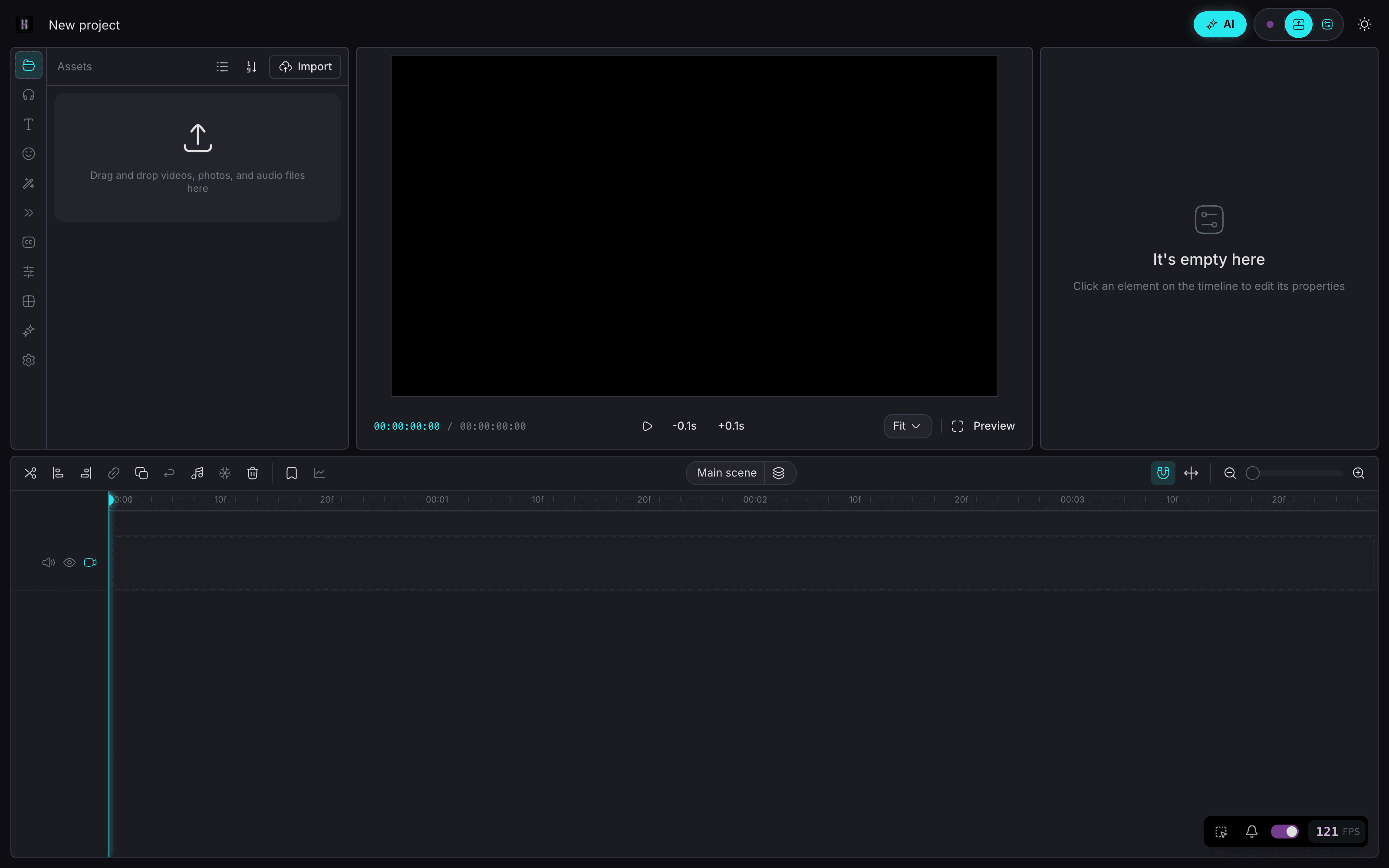
- Same mental model: timeline, clips, export
- Chat when you want speed; timeline when you want control
- Ask mode = read-only Q&A over your footage (no accidental edits)
- Edit mode = reviewable workflows you approve step by step
- Chat → generate images & video on your machine — no per-gen bill
مشروع واحد
ابدأ على الهاتف. أنهِ على سطح المكتب.
Core agent runs on your devices. Chat to generate images on iPhone and video on Mac — on your hardware, without paying per generation. Keep projects local-first. Sync only if you want the same project on phone and desktop.
- On-device chat agent on iPhone, Android, Mac, and Windows
- Chat to generate images on your own machine — while you edit
- Chat to generate video locally on Mac — no cloud meter
- Local-first media — your files stay on device by default
- Cross-device projects when you sign in (optional)
وضع الدردشة
اسأل أولًا. حرّر عندما تكون جاهزًا.
01
Ask what's in your footage
Read-only Q&A — explore clips without touching the timeline.
02
Switch to Edit — get a numbered plan
Describe the cut, stock, or image/video to generate. Review before anything runs.
03
Run one step, several, or all
Approve what you want — including on-device gens. Undo anytime.
04
Export free, no watermark
Ship when the timeline looks right. Local gen didn't meter you.
الأسعار
المونتاج مجاني. Pro بسعر $59 سنويًا.
محرّر مجاني إلى الأبد، بلا علامة مائية. يضيف Pro المزامنة السحابية وذاكرة تحرير عميقة ووكيل التحرير بالمحادثة كاملًا.
مجاني
$0
- —محرّر مألوف مثل CapCut
- —مونتاج على خط زمني متعدد المسارات
- —تصدير بلا علامة مائية
- —دردشة ← توليد صور وفيديو على الجهاز
Pro · سعر المؤسّسين
$89$59 سنويًا
- —مزامنة سحابية على كل أجهزتك
- —ذاكرة تحرير عميقة وأنماط مسمّاة
- —وكيل تحرير بالمحادثة كامل
- —سعر المؤسّسين مدى الحياة
أو $10.99 شهريًا. مدى الحياة $300 دفعة واحدة.
سعر المؤسّسين مثبّت مدى الحياة — يبقى $59 سنويًا ما دمت محتفظًا بالاشتراك. يمكنك الإلغاء في أي وقت. التوليد يعمل على جهازك، لذا لا توجد رسوم لكل توليد.
الأسئلة الشائعة
CapCut محرر رائع. يحافظ HakoCut على ذلك الإحساس المألوف ويضيف التحرير بالحديث على خط زمني متعدد المسارات حقيقي — مع تصدير مجاني بلا علامة مائية.
لا. وضع Ask للقراءة فقط. وضع Edit يعيد خطة تراجعها. نفّذ خطوة بخطوة أو دفعة واحدة. تراجع في أي وقت.
نعم. صف ما تريده في الدردشة. يمكن تشغيل توليد الصور على iPhone؛ والفيديو محليًا على Mac اليوم. التشغيل المحلي لا يفرض رسومًا لكل توليد.
نعم للوكيل الأساسي على الهاتف وسطح المكتب. الصور على iPhone. الفيديو محلي على Mac؛ منصات أخرى قد تستخدم مفاتيح API.
التوليد المحلي للصور والفيديو لا يُفوتر لكل توليد. السحابة الاختيارية قد تستخدم مفاتيح API الخاصة بك. التصدير يبقى مجانيًا بلا علامة مائية.
نعم. بلا علامة مائية.
محلي أولًا افتراضيًا. المزامنة اختيارية عند تسجيل الدخول عبر الأجهزة.
يُبنى HakoCut على أساس يشبه OpenCut / CapCut ليبقى المحرر مألوفًا ومنحنى التعلم منخفضًا.
نعم. Pro بسعر $59 سنويًا بسعر المؤسّسين، أو $10.99 شهريًا. سعر المؤسّسين مثبّت مدى الحياة ما دمت محتفظًا بالاشتراك. المونتاج والتصدير يبقيان مجانيين إلى الأبد، وتتوفر رخصة مدى الحياة بدفعة واحدة قدرها $300.